> For the complete documentation index, see [llms.txt](https://docs.arcee.ai/llms.txt). Markdown versions of documentation pages are available by appending `.md` to page URLs; this page is available as [Markdown](https://docs.arcee.ai/other/create-your-first-api-key.md).
# Create Your First API Key
To create your first API key, follow the steps below:
1. Go to
2. Login or Sign Up
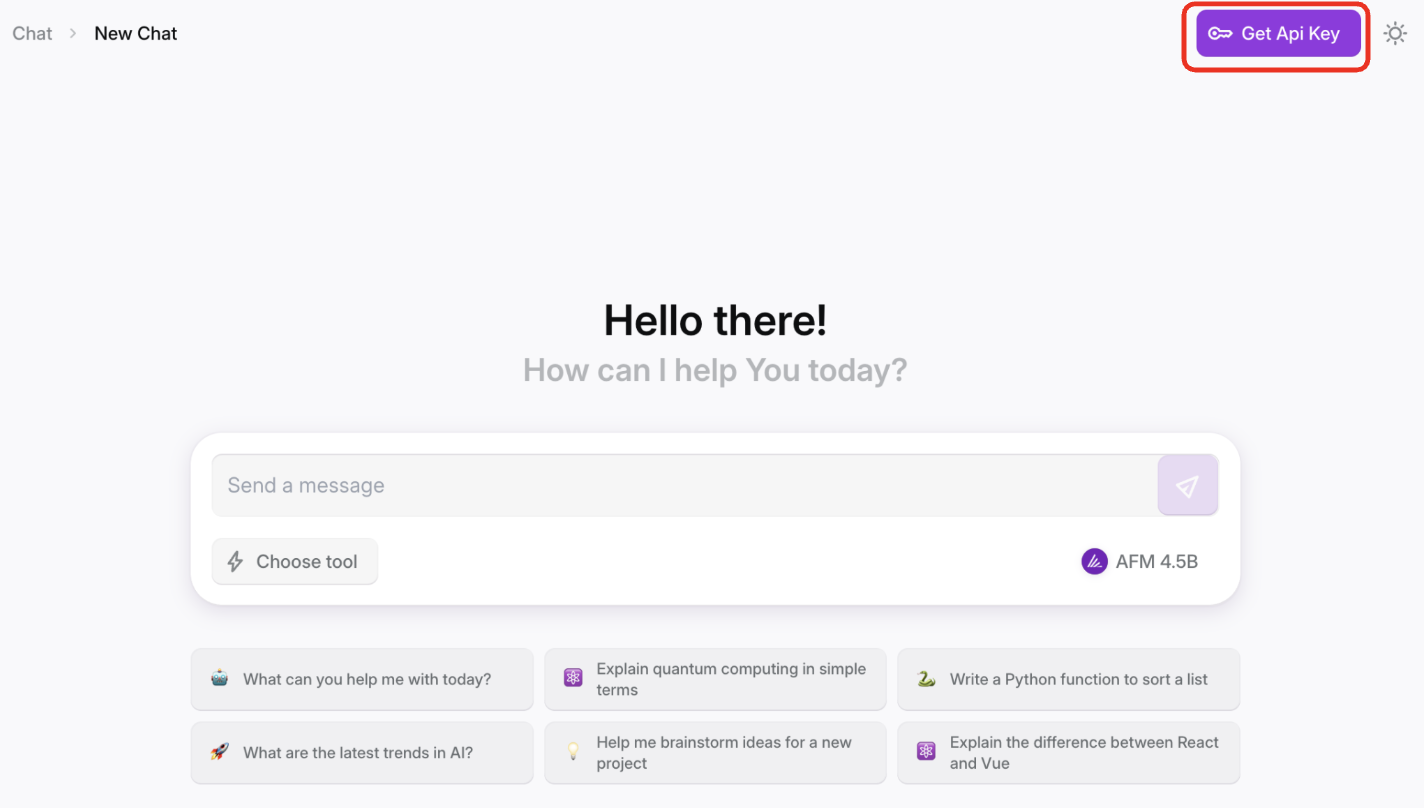
3. Select "Get API Key" from the Home Page
4. Select "Create API Key"
5. Provide an API Key Name, a Description, and optionally set an Expiration Date, Token Limit, and Request Limit
1. While Expiration Date is optional, we highly recommend setting this to follow best security practice
6. Save your API Key in a safe location, as you are unable to view the value after creation. If you misplace your API key, delete your key and create a new one.
Now that you have your API Key, you can make [your first API call](/api-reference/your-first-api-call.md)!